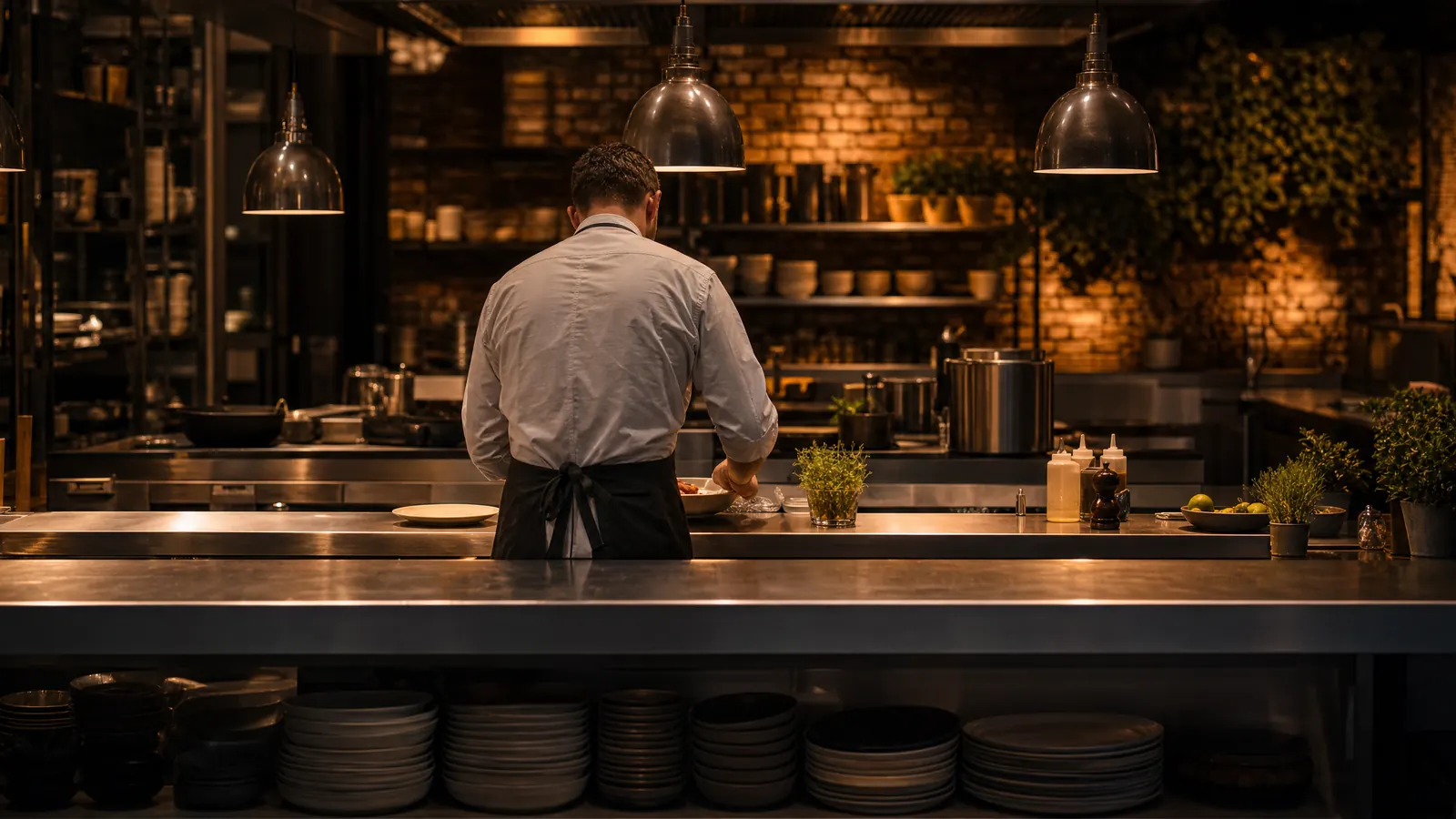
Friday, 7:15 pm. The patio is full and one server is covering eight tables. Table nine has waited ten minutes to order drinks. A code on that table would have let them order when they sat down. At table ten, a couple in their seventies wants a printed menu and a person to talk to. Good QR code ordering for restaurants handles both tables on the same night.
What Is QR Code Ordering for Restaurants?
QR code ordering is your online ordering menu, opened from a printed code instead of a link. The guest points the phone camera at the code, picks items and modifiers, and sends the order. The ticket prints in the kitchen. No one walks over, writes it down or keys it in.
Restaurants use QR codes at three levels. Most setup problems come from mixing them up:
1. View: the code opens a menu. The guest still orders through a server.
2. Order: the code opens a menu that sends the order to the kitchen.
3. Order and pay: the code sends the order and closes the check.
QR Code Menu vs QR Code Ordering System: What Is the Difference?
A QR code menu replaces the paper menu and nothing else. Your staff still takes every order. A QR code ordering system moves order entry to the guest, so servers spend their time on drinks, food runs and table checks.
| Option | Guest does | Kitchen gets | Staff time per order | Fits best |
|---|---|---|---|---|
| Paper menu + server | Reads, tells server | Ticket keyed by staff | Highest | Fine dining, older regulars |
| QR code menu (view) | Scans, reads, tells server | Ticket keyed by staff | Same as paper | Menus that change often |
| QR code ordering | Scans, orders | Ticket sent directly | Lower | Casual dining, patios, bars |
| QR order and pay | Scans, orders, pays | Paid ticket | Lowest | Counter service, quick turns |
You can mix levels. A common split is full service in the dining room and order-and-pay on the patio or at the bar.
Do Guests Actually Want Contactless Ordering?
About half do, and age decides most of the split. These are the most recent public figures we could verify:
| Finding | Who was asked | Source |
|---|---|---|
| 57% would open a menu on a smartphone using a QR code | Limited-service customers, 1,000+ US consumers | National Restaurant Association, 2024 |
| 70% would place an order with a smartphone app; 65% would order at a self-service kiosk | Limited-service customers | National Restaurant Association, 2024 |
| 47% not comfortable using QR codes to view menus, order and pay (up from 43%) | US consumers | William Blair, via Restaurant Dive, 2023 |
| 65% not comfortable ordering by QR code | Consumers over 60 | William Blair, via Restaurant Dive, 2023 |
| 73% interested in QR menus, vs 46% of baby boomers | Gen Z adults | National Restaurant Association, 2023 |
The National Restaurant Association's online survey found that 57% of limited-service customers would access menus on a smartphone using a QR code. Its 2024 technology report adds that a majority of full-service customers would be likely to order or pay using a tablet at the table.
The resistance is just as clear. A William Blair survey reported by Restaurant Dive found 47% of consumers were not comfortable using QR codes to view menus, order and pay, up from 43% in an earlier round. Among people over 60, 65% said no. Among 18 to 29 year olds, 38% were comfortable and 23% were not.
The practical answer: offer QR code ordering as an option, and never make it the only way to order.
Does QR Table Ordering Increase Sales?
The only published sales figures we found come from a vendor, so read them as a direction, not a forecast. In 2021, Square reported that businesses saw a 35% increase in sales on average within the first 30 days of using its QR self-serve ordering. It also reported 42% higher average tickets for businesses that let guests keep an open tab on self-serve ordering. Square did not publish a sample size or method for either number.
The same article describes one restaurant, The Junction, where orders placed through QR codes made up 56% of all orders. That is a single business with a busy bar trade, not a benchmark. The useful lesson is the mechanism: guests who can reorder from their seat do not wait for a server to pass by before ordering a second round.
Your own numbers will differ by concept. The 30-day checklist below shows how to measure them.
Where Should a Restaurant Put QR Codes?
Put a code wherever a guest is waiting with a phone in hand:
- Tables and bar tops: one stand or table tent per table, so each order arrives with a table number.
- The counter line: guests in the queue can order before they reach the register.
- The front window: a sticker lets people walking past order pickup without coming inside.
- Takeout bags and receipts: the next order goes to your own page instead of a delivery app.
- Patios and waiting areas: the seats furthest from your servers gain the most time.
Window and bag codes keep working after the guest leaves. They are how a one-time visitor becomes a direct reorder.
How Do You Set Up QR Code Ordering Step by Step?
- Put the full menu online as an ordering page, not a PDF. A PDF only covers level one. You need photos, modifiers and prices you can change in one place. If you are still comparing tools, use our seven questions for choosing an online ordering system.
- Choose the level for each zone. View, order, or order and pay, written down for the dining room, patio, bar and counter.
- Print codes that carry a location. Use one code per table, or a table-number field at checkout, so runners know where the food goes. Print the table number in large type next to the code.
- Send orders to the kitchen, not an inbox. Orders should print on a kitchen tablet and printer or land in the POS you already use.
- Test every code before service. Scan each one with an iPhone and an Android phone, place a test order, and confirm it prints at the right station.
- Give staff one sentence. "You can scan to order whenever you're ready, or I'm happy to take it." It presents the code as a choice, not a replacement for the server.
- Keep printed menus at the host stand. See the section on guests who prefer paper.
QR codes work best when they open an ordering page you own, with orders going straight to your kitchen.
Should a QR Code Open Your Own Ordering Page or a Delivery App?
Your own page. A code that opens a third-party marketplace sends a guest who is already in your restaurant to a platform that takes a commission and keeps the customer record. A code that opens your own commission-free page keeps the full order value and the guest's contact details.
Those contact details feed a loyalty program without an app and an email list you own. The same applies to the code on your takeout bags: a reorder through your own page is an order with no commission taken out.
How Do You Keep Guests Who Don't Want a QR Code Menu?
Make paper the easy option, not the awkward one. With 47% of consumers uncomfortable in the William Blair data, these habits matter:
- Keep printed menus at the host stand and offer one to anyone who hesitates.
- Never let "the menu is on the code" be a server's only answer.
- Print large, high-contrast codes with a plain instruction: "Scan to see the menu and order".
- Check that the ordering page loads fast and uses large text and photos.
- Let guests mix: first round by code, dessert through the server.
What Does DevourNow Include for QR Code Ordering?
DevourNow gives each restaurant a branded, commission-free ordering page, and the QR code opens it. As listed on our pricing and equipment pages:
- A QR code and window sticker kit comes with every plan.
- Orders go to a kitchen tablet and printer, or into supported POS systems such as Square, Toast and Clover. See POS integration.
- Optional acrylic QR menu stands come in sets of 10, printed with your code, with replaceable inserts.
- Leased hardware is free for the first 30 days, then $4.85 a week for a tablet and printer or $3.46 a week for a tablet only.
- The Zero plan charges 0% commission. It is free to start; the $99 one-time setup and $29 monthly fee begin only after $1,000 in online sales.
- Most restaurants go live with their QR code and ordering link in 4-7 days.
A QR code only helps guests who are already at your door. A free Rank My Store audit shows how your restaurant appears on Google and in AI search.
What Should You Measure in the First 30 Days of QR Ordering?
- Share of dine-in orders placed by code, by zone. A low share on the patio usually means the codes are hard to see.
- Average ticket by channel. Compare code orders with server orders for the same tables and hours. If you have run menu engineering, check that your high-margin dishes have photos on the ordering page.
- Second-round orders per table. This is where the reorder effect described above shows up.
- Repeat orders from window and bag codes. These are orders you would otherwise lose to a delivery app.
- Paper menu requests per shift. If they rise, keep QR ordering optional.
Key Takeaways
- 3 levels (view, order, order and pay): choose one per zone, not one for the whole restaurant.
- Nearly 1 in 2 guests is uneasy with QR ordering, so keep printed menus at the host stand.
- 1 code per table, with the table number printed next to it.
- 2 phones (iPhone and Android) to test every code before service.
- 5 numbers to track for 30 days, starting with code share by zone and average ticket by channel.
- 0% commission when the code opens your own page; 4-7 days to go live on DevourNow.
FAQs
Do restaurant QR codes expire?
A static QR code does not expire. It stores a fixed web address and works as long as that page exists. Some generator services issue "dynamic" codes that route through their own servers, and those can stop working if the subscription lapses. Point your codes at an address you control.
Can someone tamper with the QR codes on my tables?
Yes. A sticker placed over your code can send guests to a fake payment page. Check codes at opening, use stands or inserts that are hard to cover, and make sure your ordering page shows your restaurant's name and logo so staff and guests can spot a fake.
Does a QR code menu help my Google ranking?
The code does not. The page behind it can: a menu published as real text on your own website can be read by Google and AI search tools, while a menu saved as an image or PDF is harder for them to read.
Do guests need Wi-Fi to use QR ordering?
No. The menu opens over the guest's mobile data. If your dining room or basement has weak signal, offer guest Wi-Fi and post the network name next to the code.
Sources
- National Restaurant Association: Automated meal ordering and payment a draw for customers (May 9, 2024)
- National Restaurant Association: 2024 Restaurant Technology Landscape Report (March 27, 2024)
- Restaurant Dive: Study: 47% of consumers not comfortable using QR codes in restaurants (April 19, 2023), citing William Blair and the National Restaurant Association's 2023 State of the Restaurant Industry report
- Square: How QR Code Ordering Is Improving Guest Experience and Your Bottom Line (October 7, 2021)
- DevourNow pricing (checked November 24, 2026)
- DevourNow Rent: restaurant equipment and QR menu stands (checked November 24, 2026)

Stan Liachev, PhD, brings over 30 years of software leadership to restaurant technology via DevourNow. He champions local and small-chain restaurants into carving an online space of their own, guiding them to tap into the modern customer base through expert tools, so they don't lose out on commissions.
Put a QR code on every table that sends orders to your kitchen, not to an app.
Get a commission-free ordering page, a QR code and window sticker kit, and go live in 4-7 days. Or start with a free 120-point visibility audit.