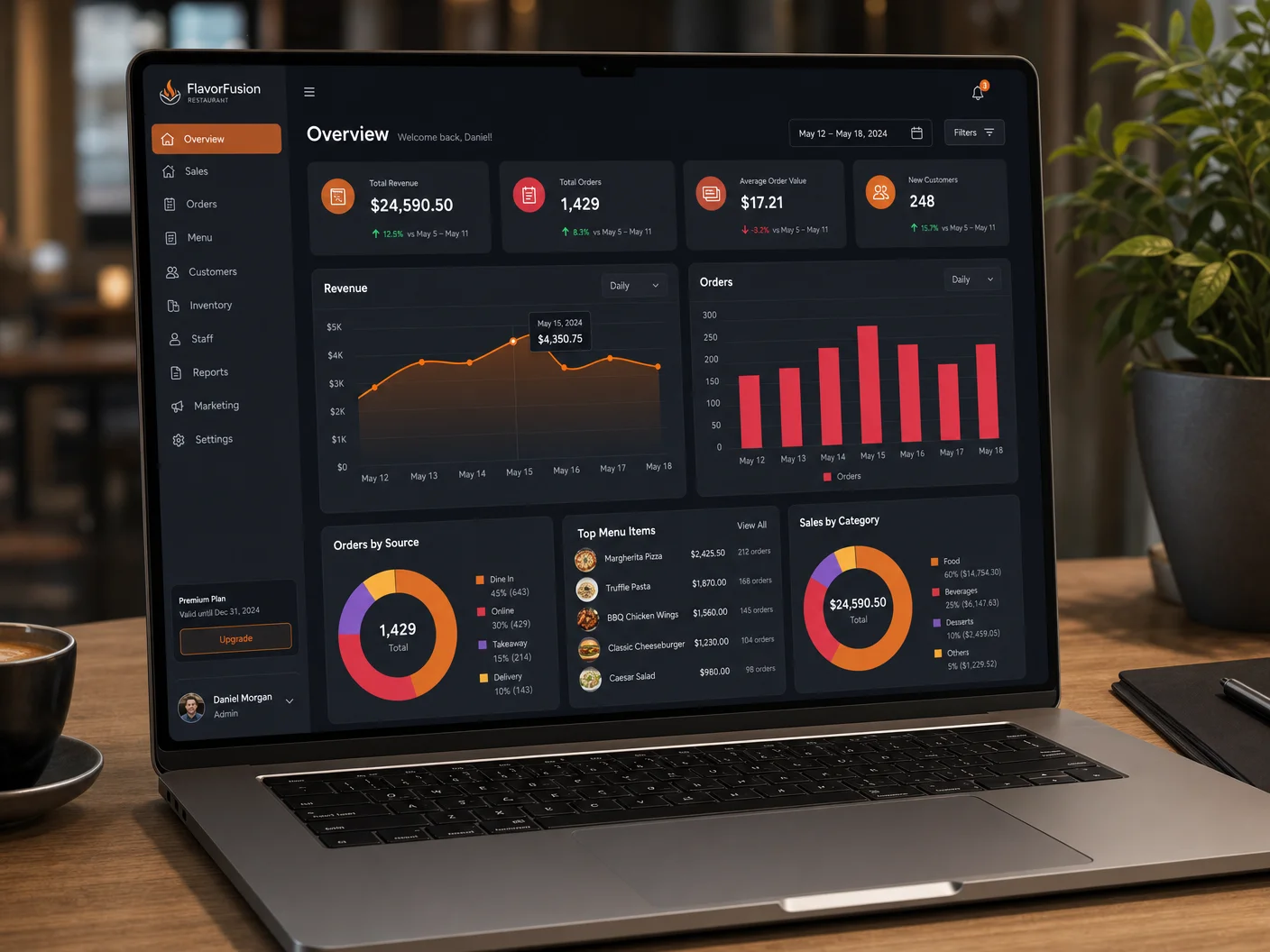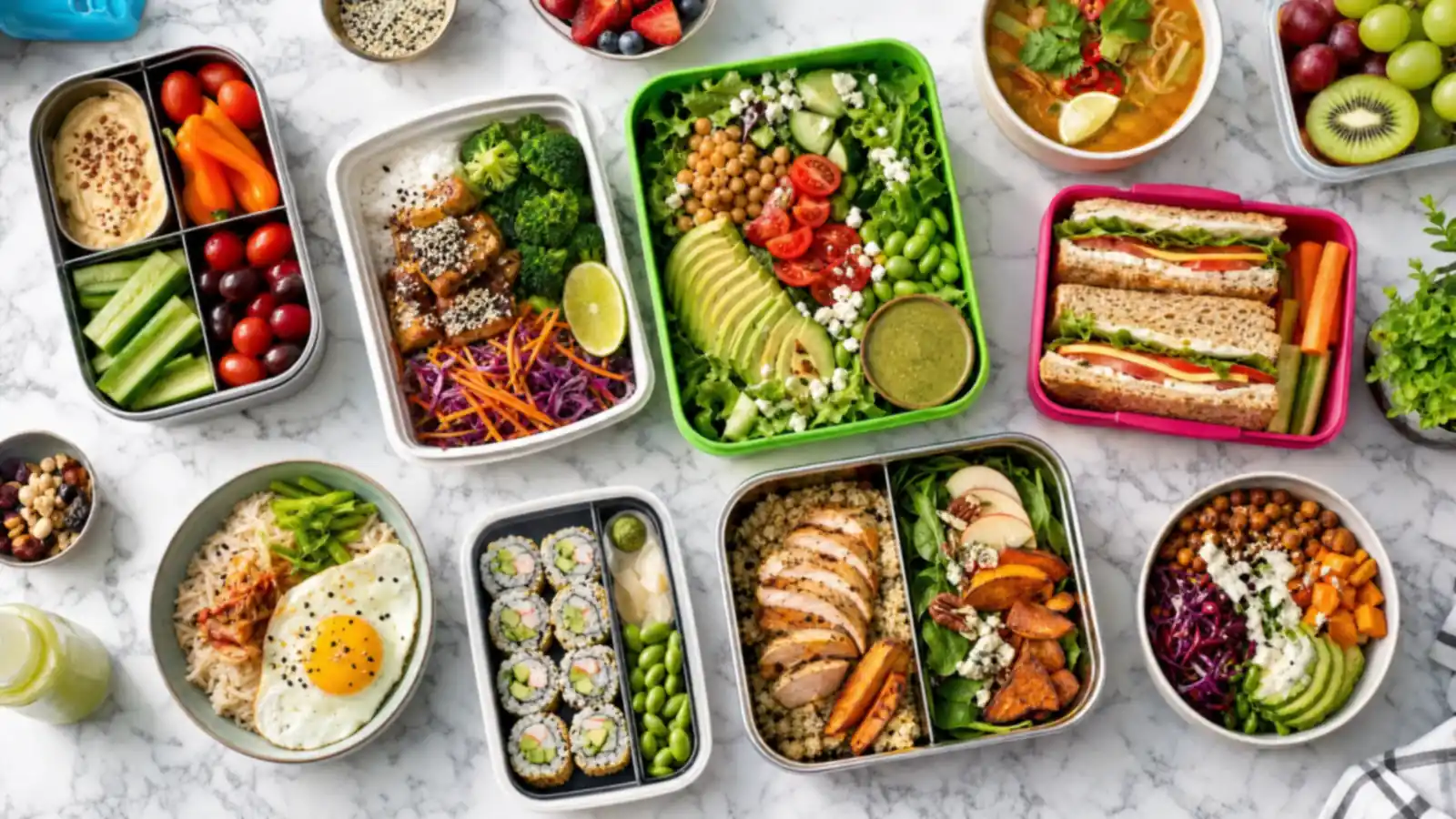
An office manager calls on a Wednesday and asks if you can feed 25 people on Friday. You say yes, scribble the order on a ticket, quote a price from memory, and hope the kitchen can fit it in. If that sounds familiar, you already have catering demand. What you don't have yet is a catering offer. This guide covers how to add catering to your restaurant in a way your team can actually run: a short menu, clear per-person pricing, online catering orders, and a simple way to bring business clients back.
Why Catering Fits a Restaurant You Already Run
Catering uses what you already have: the kitchen, the recipes, the suppliers, and the staff. A single group order can be worth many individual tickets, and it is planned in advance, so you can prep it in the quiet hours instead of during the rush. Office lunches, team meetings, school events, and family parties also tend to repeat, which makes catering one of the more predictable revenue lines a restaurant can add.
The catch is that catering done by phone and email stays small. Every order needs a call back, a custom quote, and a manual note for the kitchen. That is fine for one order a month. It breaks when you want ten.
Is Your Kitchen Ready for Catering?
Before you promote anything, answer a few honest questions with your kitchen lead:
- Capacity: What is the largest order you can produce without hurting dine-in or takeout service? Start with that number as your maximum headcount.
- Timing: Which hours are quiet enough to prep a group order? Those are your best pickup and delivery windows.
- Packaging: Do you have trays, lids, and serving utensils sized for groups, or will you need to order them?
- Delivery: Will you offer pickup only, deliver yourself, or both? Pickup is the simplest place to start.
Write the answers down. They become your order rules: minimum headcount, maximum headcount, lead time, and available days.
Build a Small Restaurant Catering Menu
A restaurant catering menu should be shorter than your regular menu, not longer. Pick dishes that travel well, hold their temperature, and scale without new prep steps. Most restaurants do best with three kinds of options:
| Option | How it works | Best for | Watch out for |
|---|---|---|---|
| Boxed meals | One sealed meal per person, labeled | Office lunches, meetings | Packaging cost per box |
| Trays and platters | Shareable trays sized by headcount | Team events, parties | Portion guidance for the client |
| Packages | Fixed bundle: main, sides, dessert, drinks | First-time clients who want it simple | Keeping substitutions limited |
Start with five to eight items in total. Note dietary options clearly (vegetarian, vegan, gluten-free) because group orders almost always include someone who needs them. You can expand once you see which items get ordered again.
How to Price Catering Per Person
Catering pricing per person makes quotes faster for you and easier to approve for the client. Build each price from the same pieces:
- Food cost per person for the items in the package.
- Packaging per person: boxes, trays, utensils, napkins, labels.
- Labor for the extra prep and packing time.
- Delivery, priced separately so it covers your real driver time and distance.
- Margin that you decide on, not one you hope is left over.
Run the math on your own numbers rather than copying a price from another restaurant, because food costs, labor rates, and delivery distances differ by city and concept. Publish the per-person price and a minimum order, and charge delivery as its own line. Clients understand that structure, and it protects your margin on small or far-away orders.
Add a catering menu to your own ordering page, with 0% commission on every order.
How to Take Catering Orders Online
Online catering orders remove most of the back-and-forth. Instead of a phone call and a custom quote, the client picks a package, enters a headcount and a date, and pays. Your kitchen gets a clear ticket with everything on it. Whatever system you use, make sure it can handle:
- Advance ordering with a future date and time, plus a minimum lead time you control.
- Minimum orders so small requests don't land in the catering queue.
- Headcount-based items such as trays for 10, 20, or 30 people.
- Notes for allergies, drop-off instructions, and a contact name on site.
- Customer records you keep, so you know who ordered and can reach them again.
That last point matters more for catering than for anything else you sell. A catering client is often a business that orders again and again. If the order runs through a marketplace, the relationship usually stays with the marketplace. If it runs through your own ordering page, it stays with you. Our guide on choosing an online ordering system covers the questions to ask before you sign anything.
With DevourNow, catering lives on your own branded ordering page with 0% commissions, weekly payouts, and setup in 4-7 days. If you want catering tickets to flow straight into your kitchen system, POS integration is available for $99 setup plus $29/month. You can compare the Plus and Zero plans on the pricing page.
Get Found When People Search "Catering Near Me"
Most catering clients start with a search. An office manager types "catering near me" or "lunch catering for 20" and calls whoever looks ready. A few steps make your restaurant one of them:
- Add "catering" to your Google Business Profile services and post a photo of a real catering order.
- Create a catering page on your website with the menu, per-person prices, minimums, and lead time, and link to it from your main navigation.
- Mention the neighborhoods and types of events you serve, in plain words.
- Ask happy catering clients for a Google review that mentions the event.
If you're not sure how visible you are today, Rank My Store runs a free audit of your Google and AI search presence. For more on reviews, see how to get more Google reviews. Restaurants can also list on DevourNow's local marketplace to reach nearby businesses looking for group meals.
Turn One Catering Order Into a Corporate Client
The first order is the hardest one to win. The second should be easy, if you make it easy. After each event:
- Send a thank-you message the same day with a link to reorder.
- Note what they ordered, their headcount, and their usual day.
- Reach out before predictable busy periods: quarterly meetings, holidays, end-of-year parties.
- Offer a simple recurring option, such as the same lunch every other Friday.
Every guest at a catered event is also a potential regular. A small card in the delivery bag inviting them to order directly, or to join your Family Club membership, turns one office lunch into many individual customers. Our loyalty program ideas show simple ways to keep them coming back.
Your First 30 Days of Catering
Keep the launch small and learn from real orders:
- Week 1: Set your order rules and pick five to eight catering items.
- Week 2: Price each item per person, order packaging, and add catering to your ordering page.
- Week 3: Update your Google Business Profile and website, and tell your regulars.
- Week 4: Review every order: what sold, what was hard to prep, and who should hear from you again.
Key Takeaways
- Catering uses the kitchen, staff, and recipes you already have, and group orders are planned ahead.
- Set order rules first: minimum and maximum headcount, lead time, and available days.
- Keep the catering menu short and price it per person, with delivery as its own line.
- Online catering orders on your own page cut the back-and-forth and keep the client record with you.
- The second order comes from follow-up, so note every client's headcount, timing, and preferences.
FAQs
How do I start offering catering at my restaurant?
Decide how large an order your kitchen can handle without hurting regular service, choose five to eight dishes that travel well, price them per person, and set a minimum order and lead time. Then add the catering menu to your website and ordering page so clients can book it without calling.
How should a restaurant price catering?
Add up food cost, packaging, and labor per person, then add your target margin to get a per-person price. Charge delivery separately based on your real driver time and distance, and set a minimum order so small requests stay profitable.
How far in advance should catering orders be placed?
It depends on your kitchen. Pick a lead time your team can reliably meet, for example 24 or 48 hours for standard orders and longer for large events, and enforce it in your online ordering system.
Do I need a separate system for online catering orders?
Not necessarily. An online ordering system that supports advance ordering, minimum orders, and order notes can handle catering on the same page as takeout, and keeps every client's contact details in one place.
How do restaurants find corporate catering clients?
Make catering easy to find on Google and your website, list it with clear prices and minimums, and follow up after every event. Business clients often reorder, so a quick thank-you and a reorder link usually do more than cold outreach.

Stan Liachev, PhD, brings over 30 years of software leadership to restaurant technology via DevourNow. He champions local and small-chain restaurants into carving an online space of their own, guiding them to tap into the modern customer base through expert tools, so they don't lose out on commissions.
See your restaurant's AI & Google visibility score.
Run a free 120-point audit and discover exactly what's costing you orders - then fix it with DevourNow's commission-free growth platform.