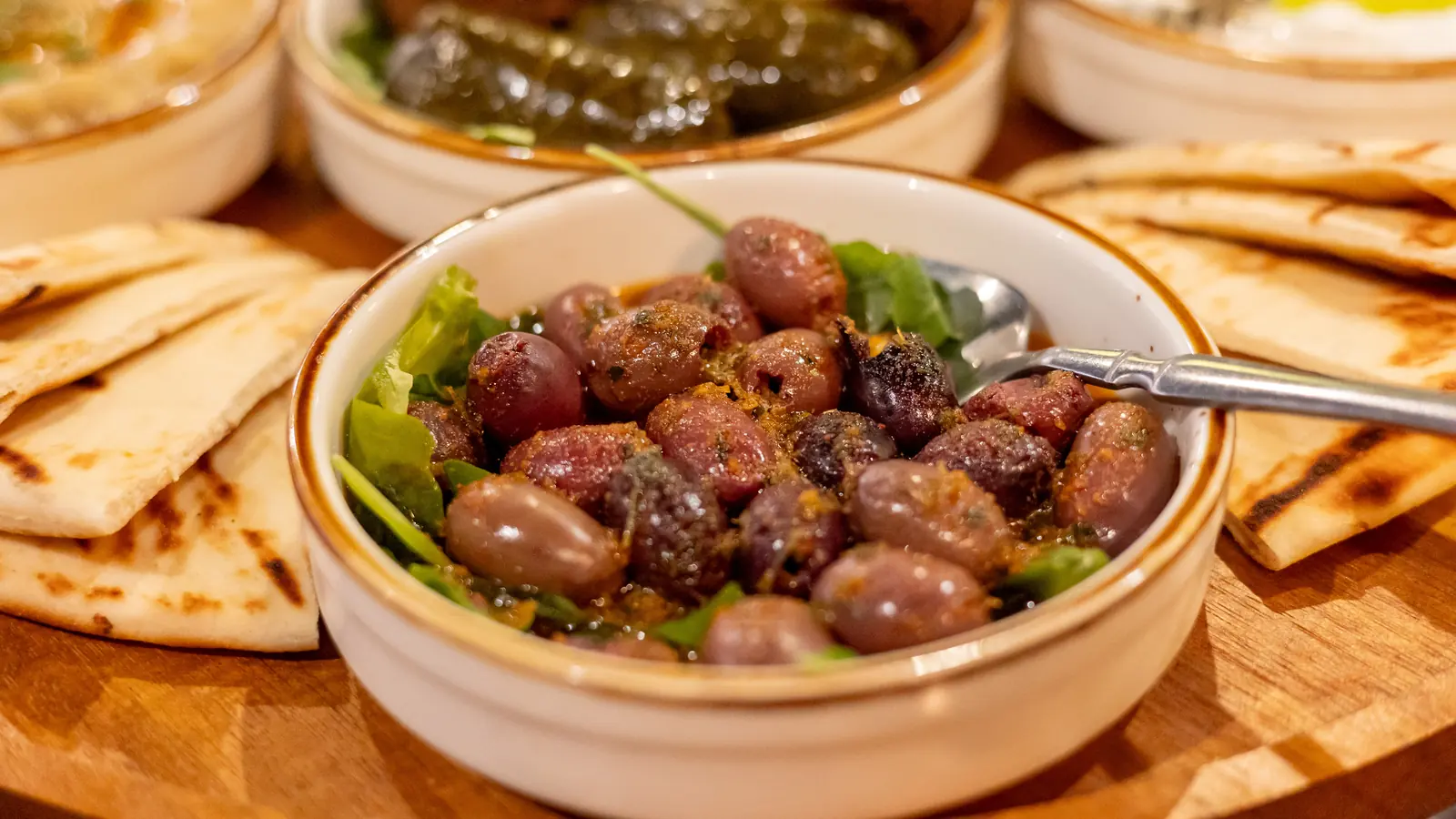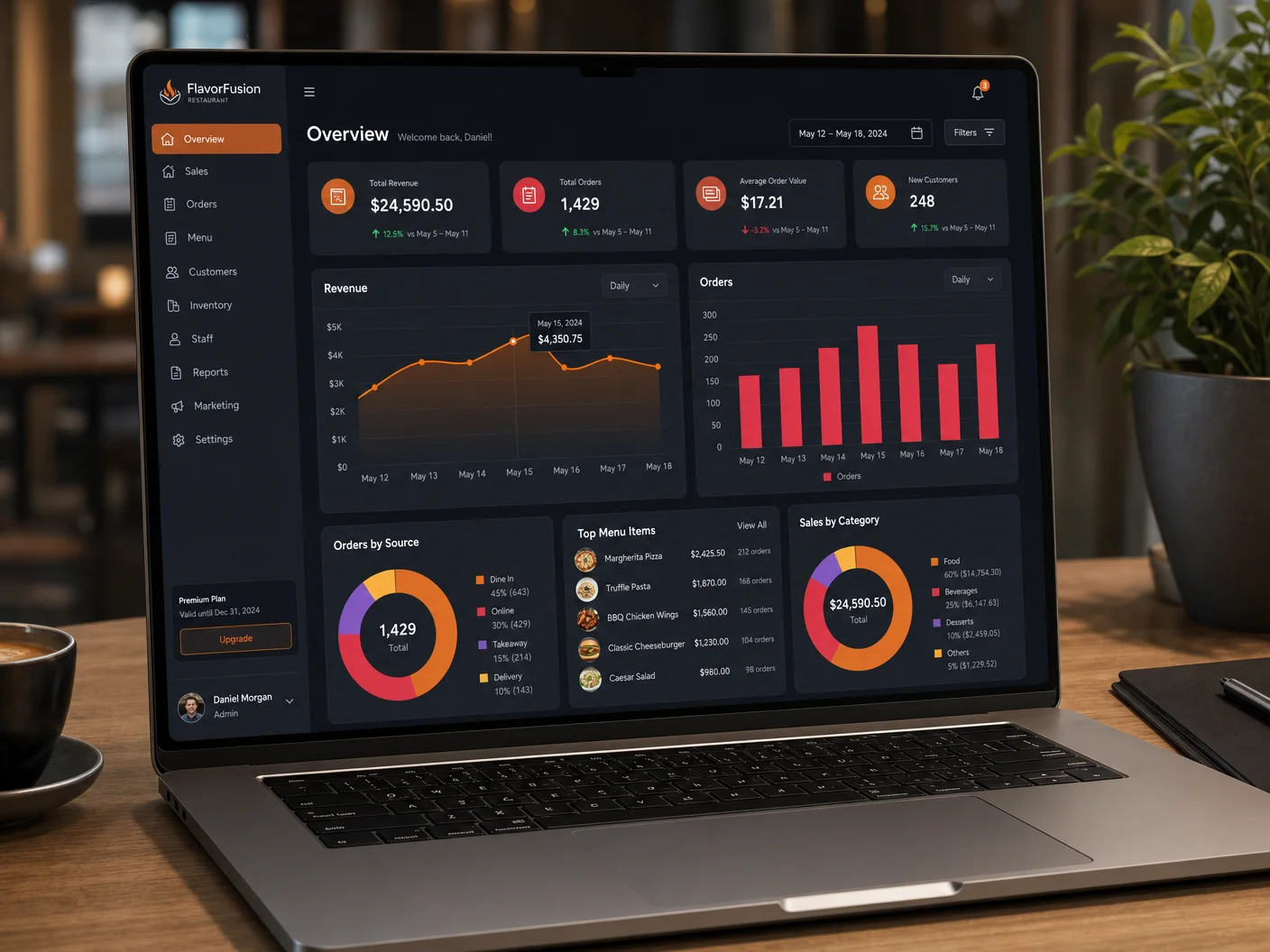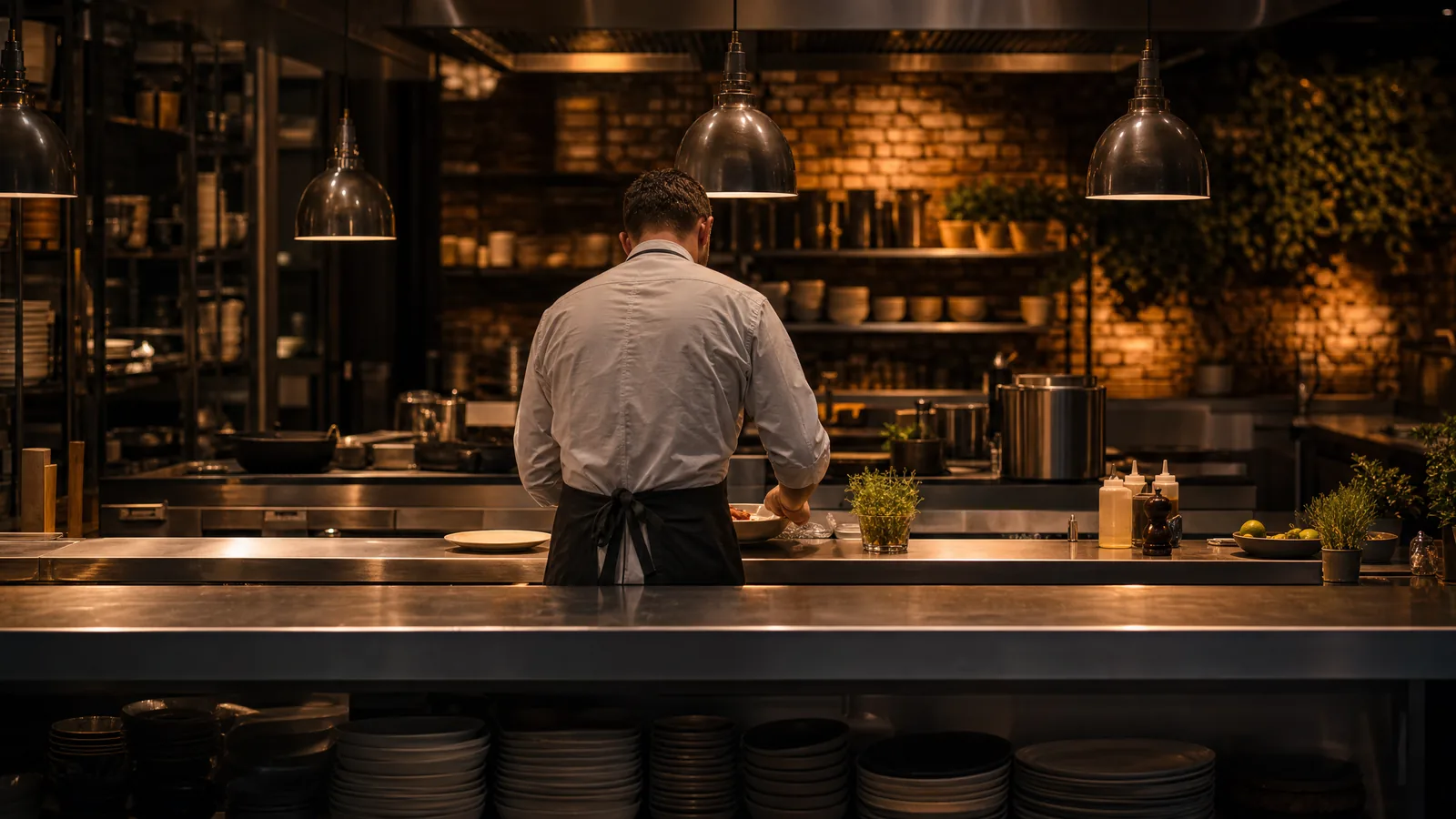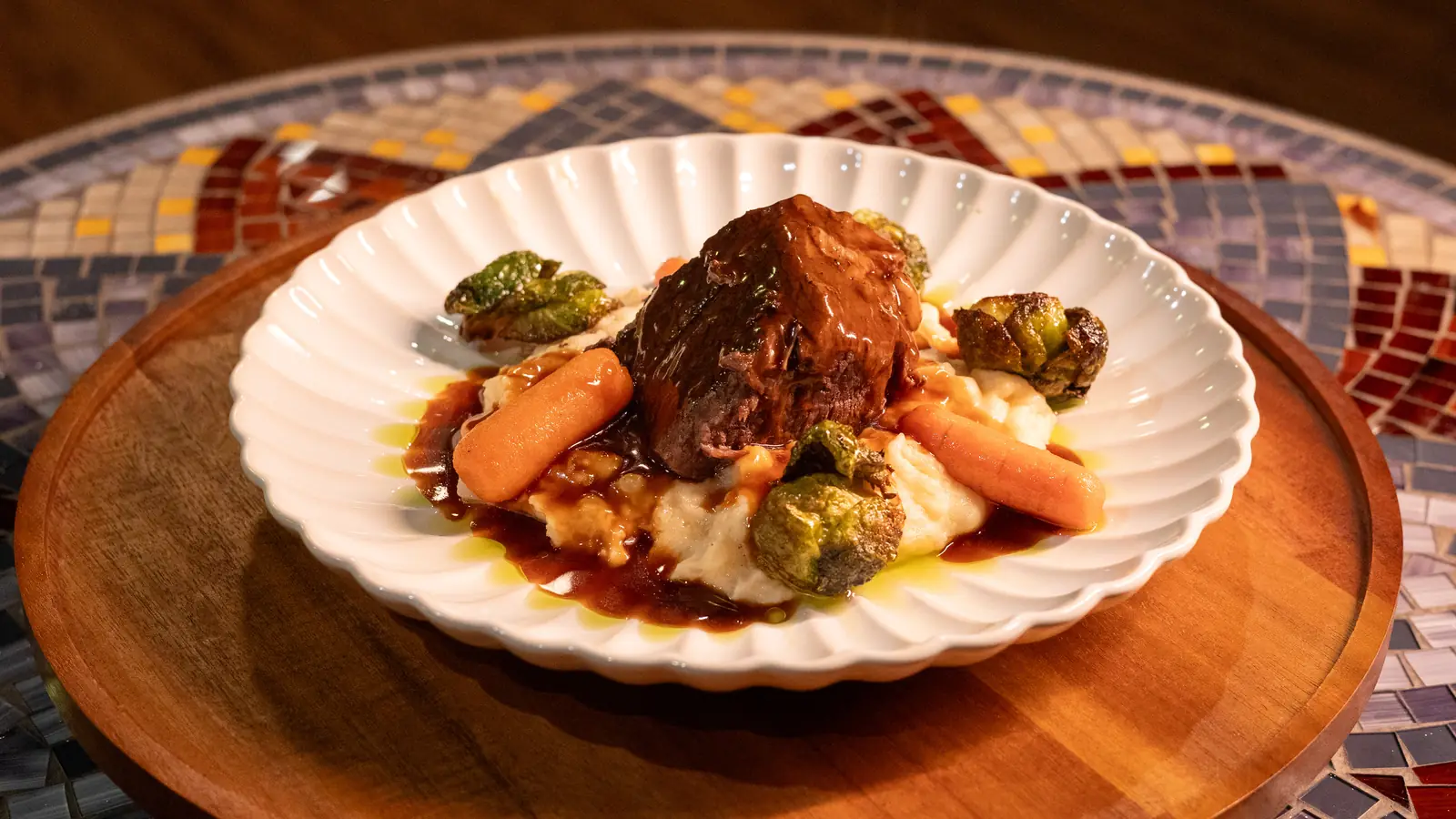
A new owner sits at the bar after close with a laptop, three free trials open in three tabs. Each one has a nicer template than the last. One has a photo of a pizza that looks a lot like hers. She picks that one, spends Sunday uploading her menu as a PDF, and on Monday a guest calls to ask why the "Order" button sends them to a delivery app.
Templates are the easiest part to judge and the least important. What decides whether a website brings in orders is harder to see in a demo: where the order goes, how fast the page opens on a phone, whether Google can read the menu, and who keeps the domain if you leave.
What Makes the Best Restaurant Website Builders in 2026?
The best restaurant website builders let a guest find your menu on a phone, order from you directly, and pay you without a marketplace in between. In 2026 that means fast mobile pages, a menu you can edit in minutes, Restaurant and Menu structured data, editable page titles, and a domain and guest list that stay yours.
Which Type of Restaurant Website Builder Fits Your Restaurant?
Most options fall into four groups. Individual products vary, so treat this table as the typical pattern for each type and confirm the details on the vendor's own pricing and terms pages.
| What to compare | General drag-and-drop builder | Restaurant-specific website platform | Ordering platform that includes a website | Custom or agency build |
|---|---|---|---|---|
| Online ordering and fees | Add-on or link to another service; fees depend on the add-on | Often included; check subscription vs per-order fee | Built in; the ordering fee model is the real choice | Whatever you connect, plus build cost |
| Menu editing | Text blocks or a PDF upload | Structured menu editor | One menu powers site and ordering | Depends on the CMS; may need the developer |
| Mobile speed | Varies with template and add-ons | Varies; usually phone-ready templates | Varies; ordering pages usually phone-first | Depends entirely on the build |
| SEO basics | Editable titles; restaurant structured data often manual | Some output restaurant structured data; ask | Ask about Restaurant and Menu markup | Whatever you specify |
| Domain ownership | Yours if registered in your name | Check whose account holds it | Check whose account holds it | Register it to you, not the agency |
| Data ownership | Order data sits with the ordering add-on | Check guest and order export | Check guest and order export | Yours, if the contract says so |
| Cost model | Subscription plus add-ons | Subscription, sometimes plus order fees | Subscription, per-order fees, or a mix | Upfront build plus hosting |
No column wins every row. A wine bar that rarely does takeout can live happily on a general builder. A pizzeria living on pickup and delivery should start from the ordering column.
Should Your Restaurant Website Builder Include Online Ordering?
If you sell takeout or delivery, yes, and the ordering should happen on your own domain. Guests are open to it. In NCR Voyix's 2025 Customer Experience Report, as covered by Restaurant Dive, 58% of customers said they prefer to order delivery through a restaurant's own app or website, with 29% naming the website specifically.
The fee model behind that button matters more than the button. Here is a simple example with made-up numbers: 400 online orders a month at a $30 average is $12,000. A 10% per-order fee on that is $1,200 a month, every month, growing with your sales. A flat subscription stays the same however busy you get. Neither is automatically better, but you should be able to say which one you are signing up for.
DevourNow sits in the ordering-platform column. Every plan includes a branded online ordering page with commission-free ordering built in, at 0% commission on orders, with weekly Stripe payouts. You can see how it works on the DevourNow online ordering platform page.
Want the order button on your site to send orders to you, not an app? See commission-free ordering.
How Fast Does a Restaurant Website Need to Be on Mobile?
Google judges your site mainly by its phone version. Its Search Central documentation says Google uses the mobile version of a site's content, crawled with a smartphone agent, for indexing and ranking. If the mobile menu is cut down or hidden behind a tap that never loads, that is the version Google sees.
For speed, Google's Core Web Vitals give three targets, measured at the 75th percentile of real page loads:
- Largest Contentful Paint (LCP): 2.5 seconds or less. Usually your hero photo. Oversized food photos are the common culprit.
- Interaction to Next Paint (INP): 200 milliseconds or less. How quickly the page reacts when a guest taps "Add to order."
- Cumulative Layout Shift (CLS): 0.1 or less. Whether buttons jump as banners and pop-ups load.
Google says good Core Web Vitals align with what its core ranking systems seek to reward. You can check any builder's live customer sites in PageSpeed Insights before you sign, and check your own pages in the Core Web Vitals report in Search Console once you launch.
What SEO Features Should a Restaurant Website Builder Have?
Restaurant SEO starts with a few basics that a builder either makes easy or makes impossible:
- Editable page titles. Google's title link guidance asks for a title on every page, written to be descriptive and concise, without repeated boilerplate. "Home | Site Name" on every page fails that test. You want "Wood-Fired Pizza in Cambridge | Your Restaurant" on the home page and something different on the menu page.
- Restaurant structured data. Schema.org defines a Restaurant type with properties such as servesCuisine, priceRange, openingHoursSpecification, acceptsReservations and hasMenu. Google's local business documentation tells you to use the most specific LocalBusiness subtype possible, which for you is Restaurant, and to give the menu as a URL.
- A real menu, not only a PDF. Schema.org's Menu type describes food and drink items in sections. That only works if your menu exists as text on a page.
- One place to change hours and prices. If holiday hours are three separate edits, one of them will be wrong in December.
To see which of these your current site already gets right, our post on prioritizing restaurant local SEO problems explains how to rank the fixes, and a free visibility audit checks them for you.
Who Owns the Domain and Guest Data on a Restaurant Website Builder?
Ownership is the line item nobody reads in the trial. Two things to pin down:
The domain. Your domain is printed on your menus and delivery bags. It should be registered in your name, in an account you can log into. Some builders and agencies register it in their own account, which is convenient until you want to move. If you already own one, look for a builder that lets you connect it. DevourNow, for example, lets restaurants connect an existing domain.
The guest data. A website that takes orders collects names, emails and order history. Ask whether you can export that list in a standard format, without a plan upgrade. We covered the contract side of this, including notice periods and exit fees, in 7 questions to ask before choosing an online ordering system, so we won't repeat it here.
Not sure how your current site scores on speed, titles and structured data? Check it before you switch.
What Should You Test Before Committing to a Restaurant Website Builder?
Use the trial period for these tests, not for picking fonts:
- Order from your phone on mobile data. Start at a Google search for your restaurant and finish at payment. Count the taps and note whether you leave your domain.
- Change a price. It should take one edit to update the website and the ordering page.
- Run three live customer sites through PageSpeed Insights. Ask the vendor for real restaurants on the platform and check mobile LCP, INP and CLS.
- View the menu page source. Look for "Restaurant" and "Menu" structured data, and a title tag different from the home page.
- Find the domain settings. Confirm whose name it is registered under.
- Export a test guest list. Place two test orders, then download the customer list.
- Read the ordering fee page, not the homepage. Write down the subscription, any per-order fee and payment processing, then run your monthly numbers through them.
If a builder passes all seven, pick the template you like. If your site already gets visits but few orders, read why website traffic isn't converting into orders.
Key Takeaways
- 58% of customers prefer ordering delivery through a restaurant's own app or website, and 29% name the website (NCR Voyix 2025, via Restaurant Dive), so the order button should keep guests on your domain.
- Google targets LCP of 2.5 seconds or less, INP of 200 milliseconds or less and CLS of 0.1 or less, measured at the 75th percentile of page loads. Test real customer sites of any builder against them.
- Google indexes the mobile version of your site, so the phone menu is the menu that counts.
- In the example above, a 10% per-order fee on $12,000 of monthly online sales is $1,200 a month. Compare it with a flat or 0% commission model before you choose.
FAQs
Is a general drag-and-drop website builder good enough for a restaurant?
A general builder can work well for a restaurant that mostly takes reservations and walk-ins. If takeout and delivery are a large share of sales, judge it on how online ordering is added and what that ordering costs.
How much does a restaurant website cost per month?
It depends on the model: a subscription, per-order fees on online orders, an upfront agency build plus hosting, or a mix. Add up your expected monthly orders and run them through each vendor's published fees to compare.
Should I put my restaurant menu online as a PDF?
Use a text menu on a web page as the main version. You can still offer a PDF for printing, but text is easier to read on phones, easier to update and easier for search engines to understand.
Can I switch restaurant website builders without losing my Google ranking?
You can reduce the risk by keeping the same domain, keeping page addresses the same or redirecting old ones to new ones, and carrying over your titles and menu content. Ranking can still move for a few weeks while Google recrawls the site.
Do I need a separate app if my restaurant website takes orders?
Not to start. A fast mobile website with direct ordering covers guests who order occasionally, and many restaurants add an app or loyalty program later for regulars.
Sources
- Restaurant Dive: Most customers prefer ordering delivery direct from restaurants (NCR Voyix, January 2025)
- Google Search Central: Mobile-first indexing best practices
- Google Search Central: Understanding Core Web Vitals and Google search results
- web.dev: Web Vitals (thresholds and 75th percentile)
- Google Search Central: Influencing your title links
- Google Search Central: Local business structured data
- Schema.org: Restaurant
- Schema.org: Menu

Stan Liachev, PhD, brings over 30 years of software leadership to restaurant technology via DevourNow. He champions local and small-chain restaurants into carving an online space of their own, guiding them to tap into the modern customer base through expert tools, so they don't lose out on commissions.
See your restaurant's AI & Google visibility score.
Run a free 120-point audit and discover exactly what's costing you orders - then fix it with DevourNow's commission-free growth platform.