It is 9:40 on the Monday after a long weekend. A couple standing on the sidewalk searches for dinner, sees your restaurant on Google Maps marked "Open until 10," and walks over. The kitchen closed at 9 because you always close early on holiday Mondays. Nobody told Google. They leave, and the review they write that night mentions the locked door, not the food.
Most Google Business Profile problems look like this: one field nobody checked. This guide goes through the profile field by field, using what Google's own help pages say, so you can fix each one once and then keep it right.
What Is a Google Business Profile Checklist for Restaurants?
A Google Business Profile checklist for restaurants is a list of every field on your listing in Google Search and Maps, with what to enter and how often to check it: categories, regular and special hours, attributes, menu, order and reservation links, photos, posts and review replies. It keeps the profile complete, accurate and within Google's guidelines.
For why the profile matters at all, see our Google Business Profile discovery guide.
How Does Google Decide Which Restaurants to Show in Local Results?
Google's help page on local ranking says results are "mainly based on relevance, distance, and popularity," which it describes as prominence. Relevance is how well your profile matches the search. Distance is how far you are from the person searching. Prominence is how well known you are, based partly on links to your business and how many reviews you have.
You can't change distance, and Google states there is no way to pay for a better local ranking. What you control is relevance and part of prominence, and Google says businesses with complete and accurate information are more likely to show up in local results.
Which Google Business Profile Categories Should a Restaurant Choose?
Pick the most specific primary category that describes the main business. Google's own example is a restaurant whose primary category is "Pizza restaurant," which can still show for broader searches like restaurants or pizza. Then add only categories for a real part of the business, such as a bar you actively run.
- Additional categories: Google's guidelines say to use "as few categories as possible" and not to pick one for every product or service.
- Changing a category: Google warns you may be asked to verify the business again, so don't experiment during a busy month.
- Business name: your real-world name only. Adding keywords like "Best Tacos Downtown" breaks the guidelines.
- Description: up to 750 characters, no links, focused on the business rather than prices or promotions. Say what you serve, what is different about it, and how long you have been open.
How Should a Restaurant Set Hours and Holiday Hours on Google?
Google's guidelines tell restaurants to list the hours when diners can sit down and eat. If you have no dining room, use takeout hours, then drive-through hours, and delivery hours only as a last resort.
For holidays and one-off changes, use special hours rather than editing regular hours. Three rules from Google's special hours page are worth remembering:
- Special hours cover changes or closures of up to 6 days in a row.
- If you will be closed for 7 or more days in a row, or for an unknown period, mark the business as temporarily closed instead.
- Google recommends confirming your hours for official holidays even when they are the same as usual, so guests aren't left guessing.
Set the next quarter's holidays in one sitting.
Which Restaurant Attributes Should You Fill In?
Attributes are the yes/no details on your profile, such as outdoor seating. You can edit some directly; others are filled in from what visiting customers report. Some attributes appear only in certain countries or business categories, so your list may differ from a competitor's.
Go through every attribute you can edit and answer it, including the "No" answers. Google says a review of attribute edits usually takes about 10 minutes but can take up to 30 days, so make changes ahead of a seasonal switch like opening a patio, not on the day.
How Do You Add a Menu and Order Online Link to Google Business Profile?
There are three separate places to fill, and they follow different rules:
- Menu editor. Food and drink businesses can list sections, items, descriptions, prices and item photos directly on the profile. Google notes changes can take 24-48 hours to show on Maps and Search. Its guidelines also say sample menus that only list "popular items" should not be submitted, so enter the full menu.
- Menu link. One URL to your menu. Google's guidelines state menu URLs can't be direct links to third-party ordering or delivery services, so point it at your own website's menu page.
- Food ordering links. In the Food ordering section you can add your own ordering link and mark a provider as preferred for pickup and for delivery separately. Third-party providers that say they have a relationship with you can be listed automatically, and Google says providers must remove links within 5 business days of a removal request. Turning off "Accept orders on your profile" hides all ordering links, including your own.
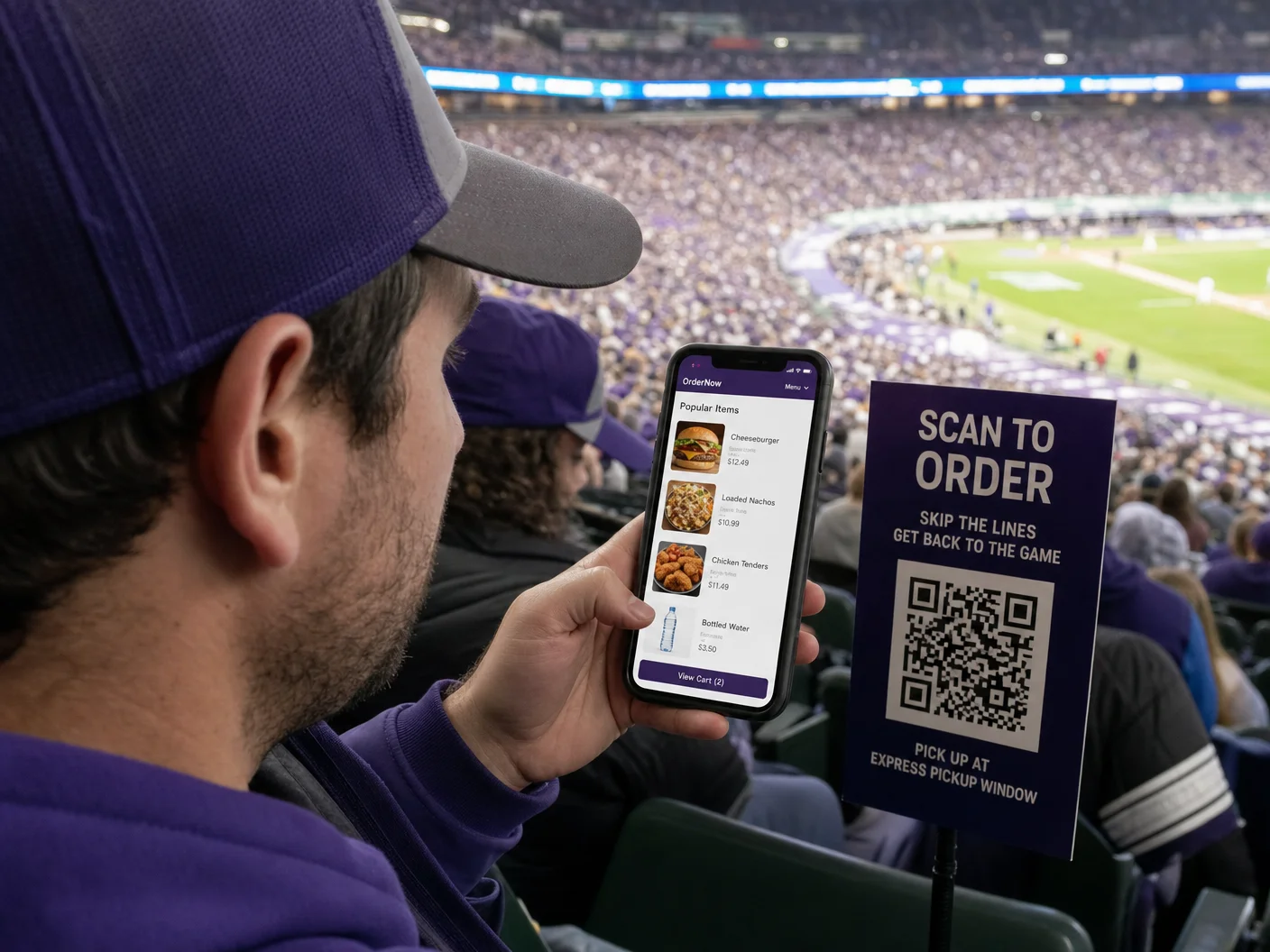
Reservation links work the same way through the Booking section, and Google's local business links page allows up to 10 links per category. Test each link on a phone. With DevourNow's commission-free online ordering, the link you set as preferred goes to a branded ordering page, and the restaurant keeps the customer record.
Give the "Order online" button on your profile a direct, 0% commission destination.
What Photos Should a Restaurant Upload to Google Business Profile?
Google's photo requirements: JPG or PNG, between 10 KB and 5 MB, recommended 720 x 720 pixels, minimum 250 x 250, in focus, well lit, and without heavy filters. Videos can be up to 30 seconds and 75 MB, at 720p or higher. Photos only appear once the profile is verified, and new uploads can take 24-48 hours to show.
For a restaurant, cover the questions a first-time guest has:
- The exterior and entrance, in daylight, so people recognize the door.
- The dining room as it looks during service.
- Your five or six best sellers, each as its own photo.
- A logo and a cover photo. Google notes that setting a cover photo doesn't guarantee it shows first, and a low-quality one may be replaced by a customer photo.
Remove photos of dishes once they come off the menu.
Do Google Business Profile Posts and Review Replies Still Matter for Restaurants?
Posts are still part of Google's restaurant setup steps in 2026. There are three types. Updates carry a description, photo or video and an action button such as Order. Offers need a title and dates and get a "View offer" button. Events need dates and times. Posts older than 6 months are archived unless they have a date range, so a profile whose last post is from last year looks unattended.
A practical rhythm is one update or event every two weeks, each linked to the exact page it mentions.
For reviews, Google's guidance is short: reply after verifying, keep replies brief and conversational rather than promotional, never share a reviewer's private information, and never offer incentives for reviews or for changing them. The reviewer is notified when you reply. For when to ask and who replies on each shift, see how to get more Google reviews.
Not sure which fields on your profile are missing or wrong? Run the free 120-point audit.
What Does a Monthly Google Business Profile Routine Look Like?
Once every field is filled, the work is keeping it true. One person can run this routine in about 20 minutes a month:
| Field | What to check | How often |
|---|---|---|
| Hours | Regular hours match the dining room; next holidays have special hours | Monthly, and before each holiday |
| Menu editor and menu link | Prices and dishes match today's menu; link opens your own site | Monthly, and after any menu change |
| Ordering and booking links | Preferred pickup and delivery links are the ones you want; each link works on a phone | Monthly |
| Attributes | Seasonal items like outdoor seating are current | At each season change |
| Photos | Retired dishes removed; new dishes added | Monthly |
| Posts | At least one current update or event | Every two weeks |
| Reviews | Every new review has a reply | Weekly |
| Categories and description | Still describe what you actually run | Twice a year |
Once a month, also open the profile in Google Maps as a guest and read it top to bottom. If you run more than one location, each profile needs this pass separately, which we covered in multi-location SEO for restaurants. For deciding what to fix first when several things are off, see restaurant local SEO priorities.
Key Takeaways
- Google ranks local results on relevance, distance and prominence, and says there is no way to pay for a better local ranking. Complete, accurate fields are the lever you control.
- Special hours cover closures of up to 6 days in a row. At 7 or more days, Google says to mark the business temporarily closed instead.
- Menu edits can take 24-48 hours to appear and attribute edits up to 30 days, so update before a change happens, not on the day.
- Posts older than 6 months are archived, and photos should be at least 250 x 250 pixels (720 x 720 recommended), so a twice-monthly post and monthly photo refresh keep the profile current.
FAQs
Can I put keywords in my restaurant's name on Google?
No. Google's guidelines say the name should reflect your real-world name and that adding unnecessary information to it isn't permitted. Put that detail in your categories and description instead.
Can my Google menu link go to a delivery app?
No. Google's guidelines say menu URLs can't be direct links to third-party ordering or delivery services. Delivery apps belong in the Food ordering section, and the menu link should point to your own menu page.
Why does Google show the wrong hours for my restaurant?
Usually because regular hours were never updated or a holiday was left without special hours. Check your profile as a guest each month and set special hours before every holiday.
How many photos should a restaurant have on Google?
Google doesn't set a number. Cover the exterior, the dining room and each of your best sellers, and replace photos of dishes you no longer serve.
How long does it take for Google Business Profile changes to show up?
It depends on the field. Google says menu changes and new photos can take 24-48 hours, while edits that need review usually take minutes but can occasionally take much longer.
Sources
- Google Business Profile Help: Tips to improve your local ranking on Google
- Google Business Profile Help: Guidelines for representing your business on Google
- Google Business Profile Help: Manage your business category
- Google Business Profile Help: Edit your Business Profile
- Google Business Profile Help: How to set special hours
- Google Business Profile Help: Manage your business attributes
- Google Business Profile Help: About the menu editor
- Google Business Profile Help: Manage online ordering options
- Google Business Profile Help: Manage your local business links
- Google Business Profile Help: Manage your Business Profile photos and videos
- Google Business Profile Help: Create and manage posts on your Business Profile
- Google Business Profile Help: Manage customer reviews
- Google Business Profile Help: Tips to get more reviews
- Google Business Profile Help: Get started with a Business Profile for your restaurant

Stan Liachev, PhD, brings over 30 years of software leadership to restaurant technology via DevourNow. He champions local and small-chain restaurants into carving an online space of their own, guiding them to tap into the modern customer base through expert tools, so they don't lose out on commissions.
See your restaurant's AI & Google visibility score.
Run a free 120-point audit and discover exactly what's costing you orders - then fix it with DevourNow's commission-free growth platform.